


A tracking pixel is a small piece of code that reports what a shopper does on your site to an ad or analytics platform. Pixel tracking powers attribution and retargeting. On eCommerce sites, every pixel also adds downloads and browser work that can slow your pages.
What is a tracking pixel?
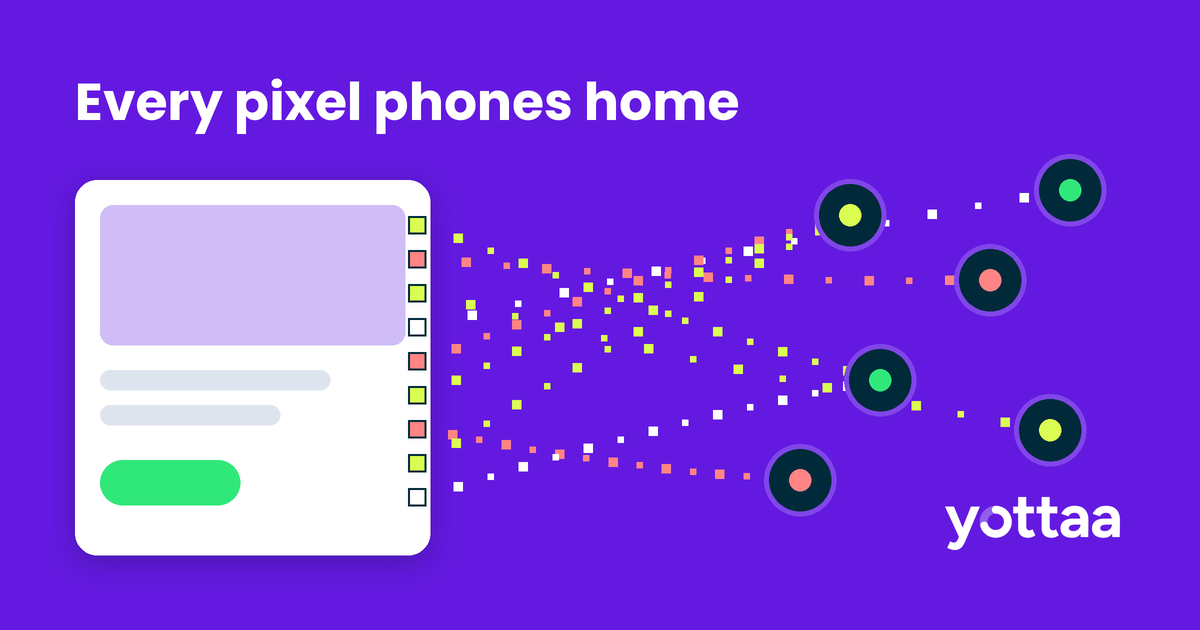
A tracking pixel is a snippet that sends an event, such as a page view, add to cart or purchase, from the shopper’s browser to a third party. The name comes from the original technique: a transparent image one pixel wide, with the data carried in the image request. Email open tracking still works that way.
Most pixels on a modern store are JavaScript. Meta’s base pixel code, for example, loads a library called fbevents.js from Meta’s servers and fires a PageView event every time it runs. The 1×1 image survives only as a fallback inside a noscript tag (Meta for Developers). Most ad, affiliate and analytics platforms ship a similar script-based tag.
How do tracking pixels work?
- Your page loads the vendor’s base code. Vendors usually ask for it in the page head. Meta recommends that placement so the pixel runs sooner (Meta for Developers).
- The base code downloads the vendor’s library from the vendor’s domain.
- Your site or tag manager calls that library when a shopper does something worth counting: views a product, adds to cart, starts checkout or buys.
- The library sends the event, with cookies or other identifiers, to the platform, which tries to match it to an ad click or audience.
Pixels don’t stay the same after you install them. Vendors update their libraries on their own schedule, and platform settings change too. On November 12, 2026, Meta began a default-on pixel setting that measures some conversions on the shopper’s device, with no code change required from the merchant (PPC Land).
Why do tracking pixels slow down eCommerce sites?
One pixel is rarely the problem. The stack is. A mid-market store often runs pixels for several ad platforms, analytics, affiliates, testing and email capture. Each one can add:
- A connection to another domain
- A script download
- JavaScript the browser has to parse and run on the main thread, the same thread that responds to taps and clicks
- Follow-on requests as the library loads its own dependencies
Shopify’s own help center puts it plainly: “The more scripts you have, the slower your store will run” (Shopify Help Center). Yottaa’s data shows third-party apps account for 44% of eCommerce load time.
That cost shows up in revenue. Shopify analyzed its merchants and found that every 100 milliseconds of slower load time correlated with about 3.5% lower conversion. Every 32 milliseconds of slower response to clicks and taps correlated with about 1.5% lower conversion. Shopify also notes that app JavaScript usually hurts Interaction to Next Paint (INP), its responsiveness metric (Shopify, Apr 27, 2026). Pixels firing on product and cart pages sit in the path of both.
How do you find every tracking pixel on your site?
Start with an inventory. Most teams run more pixels than they think. Check three places:
- Your tag manager containers, including paused and legacy tags
- Your theme or site source, where agencies and apps often hard-code pixels
- Your platform settings. On Shopify, app pixels and custom pixels live in the Customer events section of the admin (Shopify Help Center)
Then compare that list with what actually loads in real shopper sessions. The two rarely match. In one Yottaa audit, a large apparel company found five vendor tags still collecting shopper behavior after the team believed they had been removed (Yottaa, Audit Third-Party Tags datasheet).
How to reduce the speed cost of tracking pixels
- Remove what nobody uses. Ask who reads each pixel’s data. If no one can name a campaign or report that depends on it, turn it off.
- Consolidate duplicates. Two tools sending the same purchase event to the same platform do the same work twice.
- Fire pixels only where they’re needed. A purchase pixel belongs on the order confirmation page, not on every page.
- Load non-critical pixels later. Most marketing pixels don’t need to run before the page is usable. Load them after the page finishes loading or after the shopper’s first interaction.
- Move collection off the page where you can. Server-side options such as Meta’s Conversions API send events from your server instead of the shopper’s browser (Meta for Developers). On Shopify, app pixels run in a sandbox built on web workers (Shopify). Most setups still keep a browser pixel too, so this reduces the cost rather than removing it.
- Measure on real sessions. A pixel that looks harmless in a lab test can behave very differently on a mid-range phone during a sale.
How Yottaa helps control the cost of pixels
We catalog every third-party resource that loads on your pages, pixels included, and show the share of pages each tag runs on and plots it against First Contentful Paint and Largest Contentful Paint. Yottaa RUM then tracks third-party impact across real shopper sessions, by page type, device and browser.
Application Sequencing can set when each tag loads: after onload, after the first interaction, or when a page element renders. It can also block a resource without a storefront code change. The same rules apply whether a pixel comes from a tag manager or is hard-coded in your source.
Tracking pixel FAQ
What is the difference between a tracking pixel and a cookie?
A cookie is data stored in the shopper’s browser. A pixel is code that sends events to a platform, and it often reads or sets cookies to recognize the visitor.
Do tracking pixels slow down a website?
Yes, when they run JavaScript in the shopper’s browser. Each one adds requests and main-thread work. The cost depends on how many you run, which pages they fire on and when they load.
Is server-side tracking faster than a pixel?
It moves event collection from the shopper’s device to your server, so the browser does less work. Most stores keep a browser pixel alongside it, so it lowers the cost without removing it.
How many tracking pixels should an eCommerce site have?
There’s no safe number. Keep the pixels tied to an active campaign or report, fire them only on the pages that need them, and delay the rest.
See which pixels and tags are slowing your store. Request a Yottaa demo and get a page-by-page view of third-party impact on real shopper sessions.
Subscribe to our blog

Performant Experimentation – A Guide to A/B Testing
Every A/B test you run is a purchase. You’re buying information—an answer to a hypothesis—and you’re paying for it in degraded performance and lost conversion during the test window.
Download eBook