



First Contentful Paint (FCP) measures the time from when a shopper starts loading a page to when the first text or image appears. Google rates an FCP of 1.8 seconds or less as good and over 3.0 seconds as poor, measured at the 75th percentile of page loads.
What is First Contentful Paint?
First Contentful Paint is a loading metric that marks the first moment anything from the page shows up on screen. Google counts text, images (including background images), SVG elements and non-white canvas elements as content (web.dev).
For a shopper, FCP is the moment a blank screen turns into a store. The product image and price may not be visible yet. The page has simply proven that it’s working.
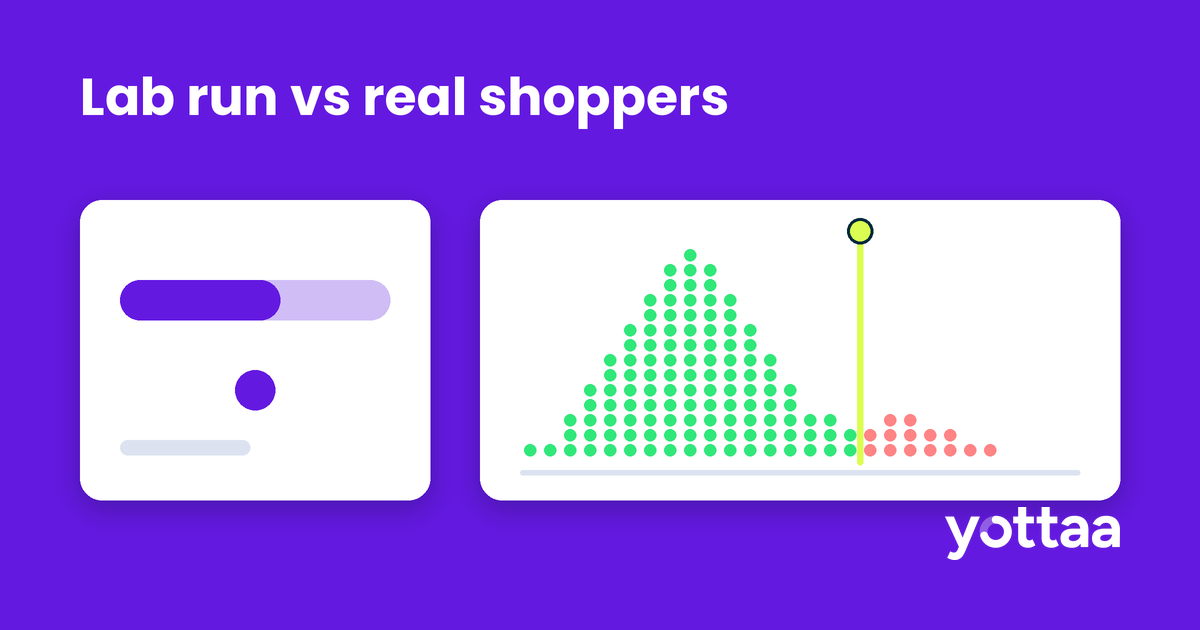
One detail matters for eCommerce teams. FCP includes everything that happens before the first paint: redirects, connection setup and Time to First Byte (TTFB). That’s why FCP from real shoppers is often slower than what a lab test on a fast connection shows.
What is a good FCP score?
A good FCP is 1.8 seconds or less. Anything between 1.8 and 3.0 seconds needs improvement, and anything over 3.0 seconds is poor. Google recommends judging the score at the 75th percentile of page loads, with mobile and desktop measured separately (web.dev).
FCP is not one of the three Core Web Vitals, which are LCP, INP and CLS. It does count toward your lab score. In Lighthouse 10 scoring, FCP carries 10% of the Performance score, next to Speed Index (10%), Largest Contentful Paint (25%), Total Blocking Time (30%) and Cumulative Layout Shift (25%) (Chrome for Developers).
FCP vs LCP: what’s the difference?
FCP marks the first content to render. Largest Contentful Paint (LCP) marks when the largest element in the viewport finishes rendering, which on a product page is usually the hero or product image. A page can paint its header and navigation quickly and still make shoppers wait for the product.
Read the two together. A slow FCP points to something before or during the first render: the server, redirects or code that blocks rendering. A fast FCP with a slow LCP points to the main content itself, such as image size, discovery or priority. We cover the LCP side in The Anatomy of LCP.
What slows down First Contentful Paint on eCommerce sites?
Three causes show up most often.
Slow server response. Because FCP includes TTFB, an origin that struggles under load or a chain of redirects (http to https, root domain to www, a geo redirect) delays every paint that follows.
Render-blocking resources. Lighthouse flags two kinds: scripts in the document head that have neither an async nor a defer attribute, and stylesheets that apply to every device (Chrome for Developers). The browser waits for each of them before it paints anything.
Third-party tags on the critical path. Tag managers, consent banners, testing tools and personalization scripts are often installed in the head so they can act before the page appears. Each one placed there competes with the first render. Yottaa’s data shows third-party apps account for 44% of eCommerce load time.
How do you improve First Contentful Paint?
Work through these in order.
- Measure FCP from real shoppers, by page type and device. Lab tests miss redirects, slow phones and cache misses. Look at product, category, cart and checkout pages separately, since each loads different code.
- Fix the server side first. Remove redirect chains on landing URLs and check TTFB at the 75th percentile, not the average.
- Find what blocks rendering. In Lighthouse 13, the old “Eliminate render-blocking resources” audit moved into the Render-blocking requests insight (Chrome for Developers). It lists each URL that holds up the first paint.
- Inline critical CSS and defer the rest. Put the styles needed for the first screen in the HTML, then load the remaining stylesheets asynchronously.
- Move non-critical scripts off the critical path. Mark them async or defer, or load them after the shopper’s first interaction. Reviews, chat and recommendation widgets rarely need to run before the first paint.
- Preconnect to the origins you can’t avoid. For third-party domains that must load early, a preconnect hint cuts connection setup time.
Then measure again in the field. A lab score can improve while shoppers on mid-range phones see no change at all.
Why does FCP matter for conversion?
FCP is the first signal a shopper gets that your store is responding. It is not a conversion metric on its own, and no single paint metric explains revenue. But load time and conversion are linked. Shopify’s April 2026 analysis found that 100ms of load time costs 3.5% of conversion rate (Shopify). A late first paint is where a slow load starts.
How Yottaa helps improve FCP
Yottaa RUM reports FCP next to Core Web Vitals from real shopper sessions, with filters for device, browser and page category, so you can see which templates paint late and for whom. Application Sequencing then changes when each tag loads (after onload, after the first interaction or when a page element renders) without code changes.
FAQ
Is First Contentful Paint a Core Web Vital?
No. The Core Web Vitals are LCP, INP and CLS. FCP is a supporting loading metric that helps you diagnose why a page feels slow to start.
Why is my FCP worse in the field than in Lighthouse?
Field FCP includes redirects, connection setup and TTFB on real networks and devices. A lab run on a fast machine often skips or shortens those steps.
Does FCP affect my Lighthouse score?
Yes. In Lighthouse 10 scoring, FCP is 10% of the Performance score.
Can a page have a good FCP and a poor LCP?
Yes. If the header paints quickly but the product image loads late, FCP passes and LCP fails.
Want to see which tags load before your first paint? Talk to Yottaa about a third-party audit of your store.
Subscribe to our blog

Performant Experimentation – A Guide to A/B Testing
Every A/B test you run is a purchase. You’re buying information—an answer to a hypothesis—and you’re paying for it in degraded performance and lost conversion during the test window.
Download eBook