


A Core Web Vitals test checks whether real visitors get good loading (LCP), responsiveness (INP) and visual stability (CLS) at the 75th percentile. A page passes with LCP of 2.5 seconds or less, INP of 200 milliseconds or less and CLS of 0.1 or less, measured on real visits.
What is a Core Web Vitals test?
Core Web Vitals are Google’s three user-experience metrics: Largest Contentful Paint for loading, Interaction to Next Paint for responsiveness and Cumulative Layout Shift for visual stability. Google’s guidance on web.dev says a page passes only if it meets the “good” threshold for all three at the 75th percentile of page loads, measured separately for mobile and desktop.
That means three in four visits have to be good. A fast median doesn’t pass if your slowest quarter of shoppers is on older phones or slow connections.
Most sites don’t clear the bar. Only 48% of the mobile web passes Core Web Vitals (56% on desktop), according to the HTTP Archive Web Almanac 2025, published January 15, 2026.
How do you test Core Web Vitals?
There is no single Core Web Vitals checker. Each tool answers a different question:
- PageSpeed Insights shows two things on one page. The top section is field data from the Chrome UX Report (CrUX), aggregated daily over the previous 28 days. The bottom section is a Lighthouse lab test. Only the top section decides pass or fail. If a URL lacks enough traffic, PageSpeed Insights falls back to data for the whole origin, per Chrome’s documentation.
- Search Console’s Core Web Vitals report uses the same CrUX field data, grouped by similar URLs. Use it to see which templates fail, such as product pages versus category pages.
- CrUX API, CrUX Vis and BigQuery give you the raw CrUX data, including history, so you can track a trend instead of a snapshot.
- Lighthouse and Chrome DevTools run lab tests. They are best for diagnosing a problem and catching regressions before release.
- Real user monitoring (RUM) measures real visits on your own site, across browsers. Google’s own guidance on web.dev says “we strongly recommend that sites set up their own real-user monitoring,” because CrUX lacks the per-pageview detail needed to diagnose regressions.
Why does my PageSpeed score fail when Core Web Vitals pass?
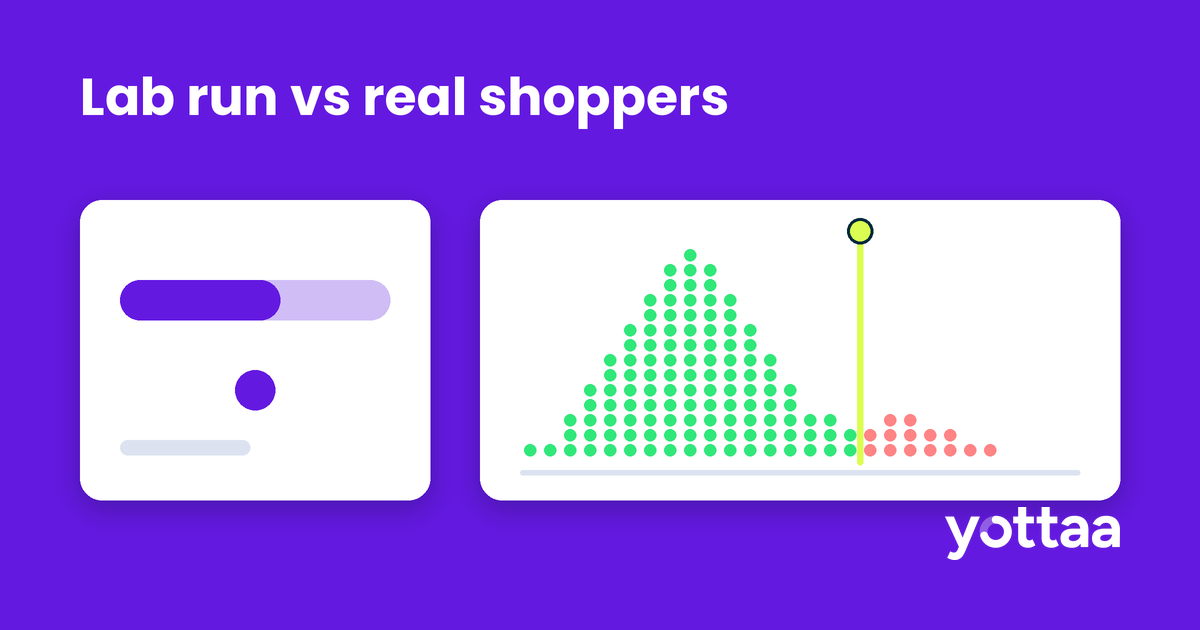
Because they measure different things. The Lighthouse score is one simulated page load on a throttled device with no user. The Core Web Vitals assessment summarizes what real shoppers experienced over 28 days.
The two drift apart often. A Dev.to post from October 30, 2026 was titled “A 91 PageSpeed score failed Core Web Vitals. A 51 passed.” At web scale, the Web Almanac found lab blocking time rose 58% while field scores improved.
Lighthouse also cannot measure INP, since nobody clicks anything during a lab run. It reports Total Blocking Time as a proxy instead. For an eCommerce site, that gap matters. INP is where review widgets, chat, upsell drawers and tag managers compete with the shopper for the browser’s attention.
Treat the field result as the grade and the lab report as the diagnostic.
What does a CrUX-based Core Web Vitals test miss?
CrUX is free and authoritative for Google’s assessment, but it has limits that matter for a store:
- It sees only some Chrome users. CrUX’s methodology covers desktop and Android Chrome. Chrome on iOS, Android WebView and other Chromium browsers such as Edge are excluded. Safari isn’t Chrome at all. On Yottaa-monitored sites, about 38% of sessions come from Safari.
- It is slow to move. A fix needs 28 days to fully replace the old data. Ship one on November 3 and it won’t be fully reflected until about December 1, the day after Cyber Monday.
- It doesn’t explain anything. CrUX tells you a page is slow. It doesn’t tell you which script, which template or which interaction caused it.
- It blurs URLs. Query strings are stripped, so product variants that use parameters are grouped together.
How do you test the impact of third-party apps on Core Web Vitals?
Third-party apps account for 44% of eCommerce load time, according to Yottaa’s data. So the useful test is per app, not per page.
The manual method is to block one app’s domain in Chrome DevTools, rerun the lab test and compare. It works, but it is lab-only and one app at a time. Your shoppers get every app at once.
The field method is to segment real-user data by template and look at what runs during slow loads and slow interactions on product and cart pages. INP deserves the most attention. Shopify’s April 27, 2026 analysis found that 32 milliseconds of interaction lag costs 1.5% of conversion.
This is the test Yottaa runs continuously. Yottaa RUM captures 100% of sessions across browsers, including Safari, and Application Sequencing then changes when each third-party script loads, without code changes.
How do you pass a Core Web Vitals assessment?
- Check field status by template in Search Console, then confirm individual URLs in PageSpeed Insights.
- Find the failing metric at the 75th percentile on mobile first.
- Reproduce it in the lab to find the cause, then confirm the cause in real-user data.
- Fix the biggest contributor first. On product and cart pages, that is often a third-party script.
- Watch real-user data daily after the fix. CrUX-based tools will catch up within 28 days.
Frequently asked questions
How do I check Core Web Vitals for free?
Run your URL through PageSpeed Insights and open the Core Web Vitals report in Google Search Console. Both use CrUX field data. If your site lacks enough Chrome traffic, you’ll see origin-level data or no data.
What is the difference between a Core Web Vitals checker and a Lighthouse score?
A Core Web Vitals checker reports how real visitors experienced the page. A Lighthouse score grades one lab load. Only the field result determines whether you pass.
How long does it take to pass Core Web Vitals after a fix?
Up to 28 days in CrUX-based tools such as PageSpeed Insights and Search Console. Your own RUM shows the change within a day.
Why does my site pass on desktop but fail on mobile?
Google assesses mobile and desktop separately. Mobile devices have less processing power, so heavy JavaScript from apps and tags hurts INP and LCP more on phones.
See every shopper, not a sample
A Core Web Vitals test tells you whether you pass. To know why, and what to fix first, you need data from every session and every browser. Talk to Yottaa about seeing your store the way your shoppers do.
Subscribe to our blog

Performant Experimentation – A Guide to A/B Testing
Every A/B test you run is a purchase. You’re buying information—an answer to a hypothesis—and you’re paying for it in degraded performance and lost conversion during the test window.
Download eBook