


Bot traffic is any website visit made by automated software instead of a person: search crawlers, AI agents, price scrapers and malicious bots. For eCommerce teams it matters because it inflates sessions, drags down reported conversion rates and skews the performance data you use to decide what to fix.
What is bot traffic?
Bot traffic is every request your site serves to a program rather than a shopper. Not all of it is bad. The useful way to sort it is by intent:
- Search and social crawlers index your pages so people can find them.
- AI agents and assistants read product pages on behalf of a shopper.
- AI training crawlers collect content with no shopper behind them.
- Scrapers copy prices, inventory and product content for someone else.
- Malicious bots test stolen logins, try card numbers, hoard inventory or flood checkout.
The first two can bring you revenue. The rest use your bandwidth, skew your numbers and sometimes do direct damage.
What percentage of internet traffic is bots?
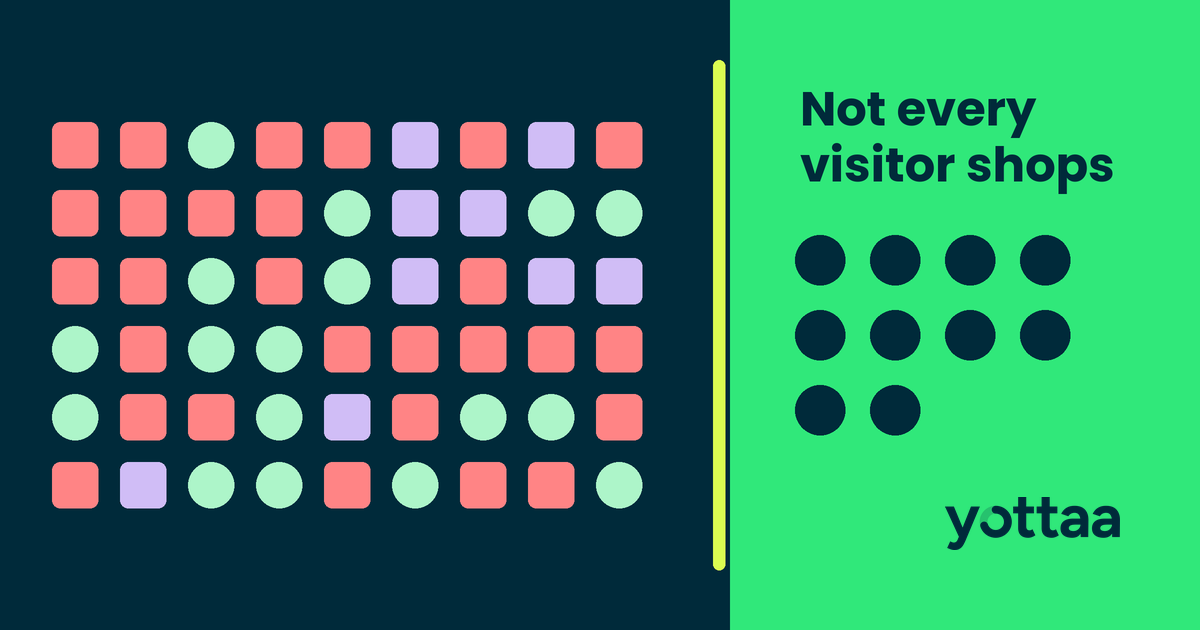
More than half, by two recent vendor measurements. On September 30, 2026, Cloudflare reported that for the first time more than half of internet traffic on its network wasn’t human, and that daily requests from AI agents grew by more than 1,700% in a year. Imperva’s 2026 Bad Bot Report, released in May, puts bots at over 53% of web traffic, with 40% classified as malicious.
Retail is feeling it. Cloudflare named Retail among the most heavily crawled categories, where human traffic has fallen by as much as 40% in less than a year.
Both figures come from each company’s own network. Treat them as a direction. Your own share is the number that matters, and most teams have never measured it.
Why does bot traffic matter for eCommerce performance?
Bots don’t buy. Every bot session that reaches your reports adds to the denominator and nothing to the numerator. Three things go wrong.
Conversion rate looks worse than it is. If automated sessions grow faster than shoppers, conversion rate falls even when real shoppers behave exactly as before. Teams then chase a funnel problem that doesn’t exist.
Performance numbers drift. Bots don’t load pages the way people do. Some never run JavaScript. Others hit one template thousands of times. Mixed into your monitoring, they pull load times and Core Web Vitals away from what shoppers actually experience.
Infrastructure costs rise with no revenue attached. Every crawler request uses origin and CDN capacity. Around Black Friday on November 27, that capacity is better spent on shoppers.
There is a blind spot on the other side too. Browser-only real user monitoring misses 15–30% of traffic because of ad blockers, privacy tools and script failures, according to Yottaa. The same setup that lets bots into your data can leave real shoppers out of it.
How do you detect bot traffic on your website?
Start by comparing sources, then look for behavior no person would produce.
- Compare server or CDN logs with analytics sessions. A large, growing gap between requests served and sessions reported is the first sign of automated traffic.
- Group traffic by user agent and declared purpose. Verified crawlers identify themselves. Sort them so you can see which ones hit which page types.
- Look for patterns people don’t produce. Zero engagement time, hundreds of pages per session, traffic from data-center networks, and spikes on one template with no campaign behind them are common signs.
- Prioritize revenue pages. Bots on search, product, cart and login pages cost more than bots reading your blog.
- Track it every week. Bot mix changes fast. A one-time audit goes stale within a season.
How do you identify bot traffic in Google Analytics?
GA4 automatically excludes traffic from known bots and spiders, identified through Google’s own research and the IAB’s International Spiders and Bots List. Google’s help page also says you cannot disable that exclusion or see how much traffic it removed.
That covers declared bots only. Automation that presents itself as a normal browser can still land in your reports. Build a comparison segment that removes sessions with no engagement time, unusual concentrations by city or network, and referral sources you don’t recognize. Report conversion rate both ways and watch the gap.
How do you stop bot traffic on your website?
Block the malicious bots. Be selective with the rest. In its September 30 post, Cloudflare argues that a blanket “no” is not a nuanced enough answer, because some agents act for real customers. Blocking an assistant that is comparing your product for a shopper can cost you the sale.
The practical answer is to decide by class. Allow verified search crawlers. Decide deliberately about AI agents and training crawlers. Rate-limit scrapers. Stop credential stuffing, card testing and inventory hoarding at the edge, before they reach checkout.
How Yottaa separates shoppers from bots
Yottaa RUM (https://www.yottaa.com/real-user-monitoring/), part of Yottaa’s Rapid platform, combines browser, edge and origin data so you see traffic that browser-only tools miss. Its Actor Filter segments humans, known bots, AI agents acting on a shopper’s behalf, suspected bots, and recognized spiders and crawlers. It uses authoritative lists, user-agent parsing and third-party bot management signals, with confidence scoring.
That classification shows up in the reports your team reads. Traffic Insights shows who and what is visiting the site, by page category and top URLs. Conversion Insights excludes non-malicious crawlers from Google, Bing and Facebook so business metrics reflect real shoppers.
When you need to stop bad bots, not just measure them, Yottaa Partners & Services runs full-stack delivery with Fastly and HUMAN bot protection, configured and operated by Yottaa experts.
Bot traffic FAQ
Is all bot traffic bad? No. Search crawlers and AI agents acting for shoppers can drive revenue. Scrapers and malicious bots are the ones to block.
Does GA4 filter bot traffic? It automatically excludes known bots and spiders. You can’t turn that off or see how much it removed, and undeclared bots can still appear.
How much of my traffic is bots? It varies by site. Cloudflare and Imperva both measure more than half of web traffic as automated, but only your own logs and monitoring can tell you your share.
Can bot traffic slow down my site? Heavy crawling uses origin and CDN capacity that shoppers also need, and bots mixed into monitoring data make your performance numbers less trustworthy.
See what share of your traffic is human
If you can’t say how much of last week’s traffic was people, start there. Talk to Yottaa about Yottaa RUM and Traffic Insights, and get a clear read on who is really visiting your store before peak.
Subscribe to our blog

Performant Experimentation – A Guide to A/B Testing
Every A/B test you run is a purchase. You’re buying information—an answer to a hypothesis—and you’re paying for it in degraded performance and lost conversion during the test window.
Download eBook