


On October 1, Shopify introduced Canvas, a workspace where merchants design their store by talking to Sidekick, Shopify’s AI agent. Merchants describe what they want. Sidekick edits the theme files, and the changes land on Canvas in real time, with every page laid out side by side. Shopify says a merchant can now build “a fully custom store in twenty minutes.”
Canvas edits real code. Shopify says merchants are editing “a render of the real code behind the store.” Sidekick already made more than 25 million theme edits in the first half of 2026, by Shopify’s count. Canvas gives it the whole theme to work on.
Canvas is in early access for certain stores, and Shopify says it is not replacing the existing editor yet. The direction is still obvious. The cost of changing a storefront is heading toward zero.
What Sidekick checks, and what it can’t
Shopify describes how Sidekick checks its own work: it “validates its code and reviews screenshots to inspect how its changes landed.” That is a sensible loop for design. Valid code won’t break the page. A screenshot confirms the hero looks bolder.
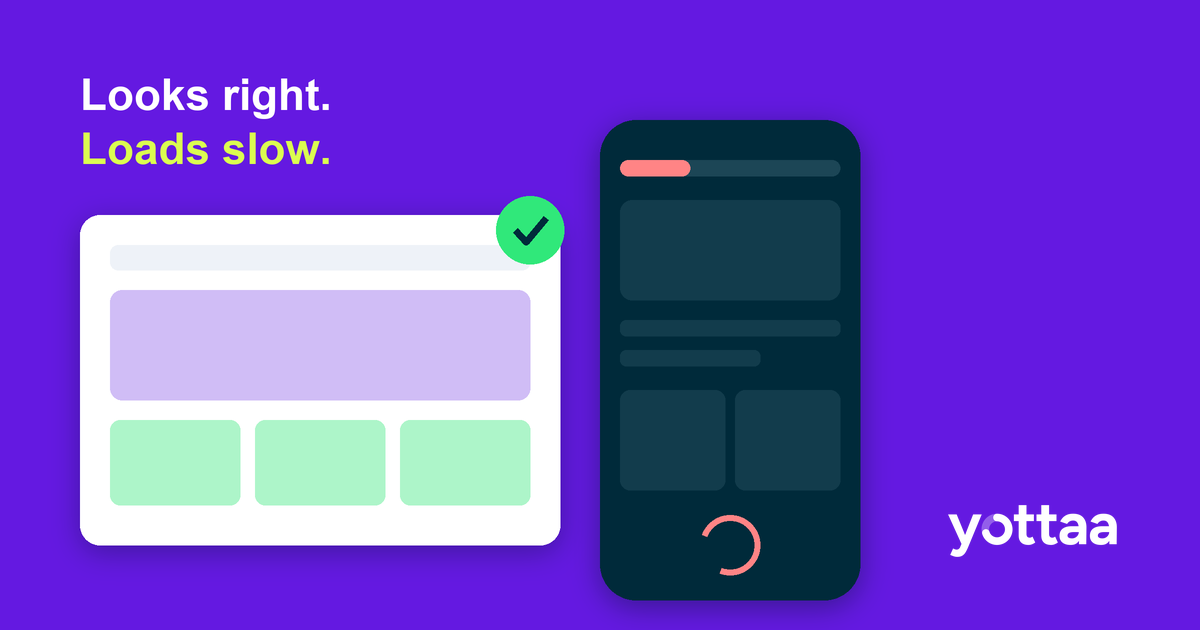
Neither check tells you how the page responds when a shopper on a mid-range phone taps a size swatch while reviews, a BNPL message and a loyalty widget are still loading. A screenshot shows how a page looks. It can’t show how the page responds.
That gap matters because responsiveness is where revenue leaks. Shopify’s own analysis (April 27, 2026) found that for every 32 milliseconds slower a store responds to interactions, conversion tends to drop about 1.5%. The same report says third-party apps add JavaScript that “usually negatively impacts” Interaction to Next Paint.
Now look at what Canvas can’t touch. According to Shopify’s requirements page, you can’t add or configure app blocks or app embeds in Canvas. The AI is redesigning the theme while the app layer, the part Shopify itself names as the INP risk, sits outside its view. A product page that looks clean in Canvas can behave very differently once the apps load in production.
We already have a preview of how this goes
On September 29, a merchant posted in the Shopify Community about a PageSpeed warning on Dawn product thumbnails. Working with Sidekick, they traced it to one image width in a Liquid snippet and published a fix: remove the 823-pixel rendition.
It looked right. A developer replied the next day and showed it likely wasn’t. Lighthouse’s mobile test emulates a device that requests the 713-pixel file, so the 823 file isn’t used in that test at all. Removing it means some real devices now download the larger 990-pixel file instead. They added that PageSpeed results “vary quite a bit between runs,” so a warning that disappears after a change proves little.
Nobody did anything careless here. The merchant was thorough, credited the people who helped, and corrected an earlier post publicly. That’s the point. A plausible fix, checked against a lab score, can make things worse. Canvas will produce far more of these changes, far faster, for teams with less time to review each one.
What to do about it
AI-built storefronts are worth using. Mid-market teams are short on developer time, and tools like Canvas will close real gaps. The job is to put measurement where the AI can’t.
- Treat every AI change as a release. One change at a time, with a before-and-after reading on the templates it touched. If you can’t say what changed, you can’t say what it cost.
- Read field data, not a single lab run. INP and LCP from real sessions, split by template and device, are the only numbers that include your apps, your traffic and your shoppers’ phones.
- Measure the layer the AI can’t see. Inventory the third parties that load on product and collection pages before and after a redesign. If responsiveness drops, check whether an app is the cause before you blame the new markup.
- Mind the calendar. PageSpeed’s field data is a rolling 28-day window, a point a merchant made in a Sept 23 BFCM thread. A theme change shipped in early November won’t be fully reflected in field data before Black Friday on November 27. Verify with your own real-user monitoring, or ship sooner.
The real shift
For most of eCommerce history, changing the storefront was slow and expensive, so teams changed it rarely and tested it hard. Canvas flips that. Changes become cheap and frequent, and verification becomes the bottleneck.
The same lesson applies to every AI recommendation, including ours at Yottaa. A suggestion is only as good as the real-user data that confirms it worked. The brands that come out ahead will know, within days, which changes helped and which quietly cost them conversions.
If an AI agent redesigned your product page tomorrow, how would you know whether it made the page faster or slower for real shoppers?
Subscribe to our blog

Performant Experimentation – A Guide to A/B Testing
Every A/B test you run is a purchase. You’re buying information—an answer to a hypothesis—and you’re paying for it in degraded performance and lost conversion during the test window.
Download eBook